ci/cd
GitHub Actions over Jenkins
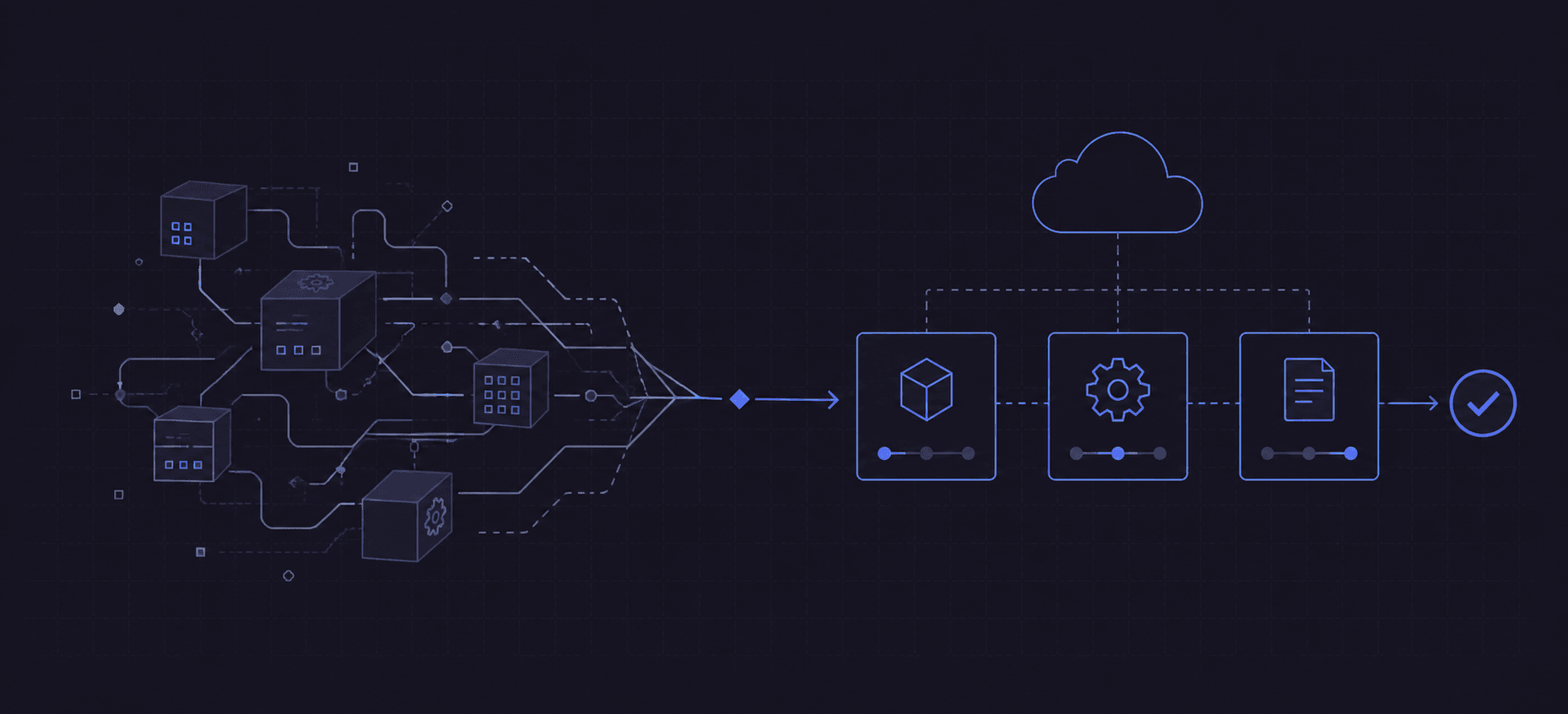

Jenkins can run almost anything. I have used it for automated validation, and that flexibility is real. So is the work around the pipeline: preparing agents, keeping plugins compatible, managing credentials, and understanding why a piece of perfectly reasonable Groovy behaves differently inside a Jenkinsfile.
For a new project already hosted on GitHub, I would start with GitHub Actions. The tests live in the repository, the workflow lives beside them, and the result appears on the pull request. Getting there takes one file.
The attraction is how little infrastructure I need before the first useful build, and how ordinary the code can remain after that.
Start with the same job
Take a Node.js application with a committed package-lock.json and npm
scripts called lint, test, and build. A Jenkins declarative pipeline
might look like this:
pipeline {
  agent { label 'linux' }
  tools { nodejs 'node-16' }

  stages {
    stage('Install') {
      steps { sh 'npm ci' }
    }
    stage('Lint') {
      steps { sh 'npm run lint' }
    }
    stage('Test') {
      steps { sh 'npm test' }
    }
    stage('Build') {
      steps { sh 'npm run build' }
    }
  }
}
That is readable. It also assumes a working Jenkins controller, an available
Linux agent, the NodeJS plugin, and a tool installation configured under the
name node-16. In a multibranch Pipeline job, Jenkins can check out the
repository automatically; the GitHub integration and credentials still need
to be in place.
Here is the GitHub Actions version. Save it as .github/workflows/ci.yml:
name: CI

on:
  push:
    branches: [main]
  pull_request:

permissions:
  contents: read

jobs:
  build:
    runs-on: ubuntu-20.04
    steps:
      - uses: actions/checkout@v3
      - uses: actions/setup-node@v3
        with:
          node-version: '16'
          cache: npm
      - run: npm ci
      - run: npm run lint
      - run: npm test
      - run: npm run build
Commit it to an Actions-enabled repository and GitHub handles the event, allocates a runner, and shows the logs and result alongside the code. There is no separate job to create in another application.
The versions here are available today: checkout v3 shipped on March 1, and setup-node v3 on February 24. Node.js 16 is the application runtime in this example. I have also named the Ubuntu image explicitly so that the intended operating-system version is visible, although GitHub still updates the software within that image.
YAML is a small language to learn
The useful vocabulary is short. on describes the events. jobs describes
the work. runs-on selects the machine. steps execute in order inside a
job. uses calls an action; run executes a command; with supplies inputs.
I can read the workflow from top to bottom without learning Groovy closures, the Jenkins Pipeline DSL, or the controller's script approval rules. The indentation matters, and GitHub's expressions are another syntax to learn, but a basic build needs very little of either.
Testing two Node versions is a good example of where the configuration earns
its place. This is a replacement for the jobs section above:
jobs:
  test:
    runs-on: ubuntu-20.04
    strategy:
      matrix:
        node: ['14', '16']
    steps:
      - uses: actions/checkout@v3
      - uses: actions/setup-node@v3
        with:
          node-version: ${{ matrix.node }}
          cache: npm
      - run: npm ci
      - run: npm test
GitHub expands that into two jobs, each with its own runner. Jenkins has
matrix support too. The convenience here is that the runners and Node
installation are already part of the same small declaration. The
setup-node documentation
also makes an important distinction: its npm cache stores package-manager
data, not node_modules. npm ci still installs the locked dependencies.
When configuration runs out, use Bash
YAML is good at describing steps. It is a poor place to implement an
algorithm. A multiline run: | block gives me a normal shell script when
there is a little more work to do.
For an application whose build writes dist/, add these steps after the
build:
      - name: Package the build
        shell: bash
        env:
          COMMIT_SHA: ${{ github.sha }}
        run: |
          set -euo pipefail
          mkdir -p artifacts
          archive="app-${COMMIT_SHA:0:8}.tar.gz"
          tar -czf "artifacts/$archive" -C dist .
          sha256sum "artifacts/$archive" > "artifacts/$archive.sha256"

      - uses: actions/upload-artifact@v3
        with:
          name: application
          path: artifacts/
That is Bash with ordinary variables, quoting, and command-line tools. The artifact action makes the archive and checksum downloadable from the run; its v3 release arrived on March 3.
When the block grows, move it to ci/package.sh and call
bash ci/package.sh. I can then run the same script locally. Each run
step starts a new shell, so an export in one step does not carry into the
next; files do remain available to later steps in the same job.
Jenkins can call Bash as well. The improvement is the short path from a repository to a machine executing it, with the surrounding setup visible in the workflow.
JavaScript for the parts that need actual code
Shell is excellent for invoking tools. Once I am manipulating JSON or calling an API, I would usually rather write JavaScript.
actions/github-script supplies an authenticated GitHub API client and the
event context. For example, this separate workflow labels a newly opened
issue when its title starts with [bug]. Create the bug label in the
repository first, then save this as .github/workflows/label-issues.yml:
name: Label bug reports

on:
  issues:
    types: [opened]

permissions:
  issues: write

jobs:
  label:
    runs-on: ubuntu-20.04
    steps:
      - uses: actions/github-script@v6
        with:
          script: |
            const issue = context.payload.issue;
            if (!issue.title.toLowerCase().startsWith('[bug]')) return;

            await github.rest.issues.addLabels({
              ...context.repo,
              issue_number: issue.number,
              labels: ['bug']
            });
No checkout is needed because this job only calls the API. There is no
personal access token to generate for this operation: the action uses the
workflow's GITHUB_TOKEN, with the issue permission declared above.
Version 6 runs on Node.js 16.
That means ordinary const, object spread, and async/await. The issue
title is read as data from context, rather than interpolated into the
JavaScript source. I get familiar language semantics without Jenkins
serializing my local variables across pipeline steps.
For larger logic, I can check out the repository and load a separate module, or run a Node script directly. npm packages, local tests, and the debugger I already use remain available. If the team prefers TypeScript, compile it to JavaScript before execution; TypeScript is not executed directly by the action runtime.
Reusable JavaScript actions can also package that logic for other
repositories. Dependencies need to ship with the action, commonly bundled
into a distribution file, but consumers get a simple uses entry. A
JavaScript action can run on Linux, Windows, and macOS without needing a
Docker container, provided its own code and dependencies support those
platforms.
The library removes a lot of glue
The GitHub Marketplace is one of the strongest arguments for Actions. Checking out code, installing a language runtime, caching dependencies, saving artifacts, authenticating to a cloud, or building a Docker image are common problems with reusable actions already available.
The first workflow uses that library twice before it reaches an application
command. setup-node alone handles finding or downloading Node, updating
PATH, and restoring an npm cache. Those are several pieces of setup I do
not need to maintain in a shell script.
Jenkins has a rich plugin ecosystem too. The difference I appreciate is that an action reference belongs to the workflow in the repository. I can review a version change in a pull request instead of changing a plugin installation shared by unrelated jobs on a controller.
An action still executes somebody else's code. I check its source and
maintenance before giving it credentials. Major tags such as @v3 keep
these examples readable and accept updates within that major version; a
full commit SHA gives a workflow an immutable action reference when that
is what I need.
Managed runners are the bigger saving
With GitHub-hosted runners, GitHub operates the machines. A job gets a fresh environment, so yesterday's workspace does not quietly become today's dependency. Linux, Windows, and macOS are available without maintaining my own fleet for each operating system.
I still own the build, dependency choices, permissions, and deployment logic. But I do not have a Jenkins controller to patch, back up, or recover, and I do not need to repair an idle build agent before testing a change.
The GitHub integration is useful in smaller ways too: pull-request checks, logs, repository secrets, and manual workflow runs are in the same place as the code review. A required check can gate merging through branch protection. Each convenience removes another bit of integration work.
The free minutes make trying it easy
Public repositories can use GitHub-hosted Actions for free, subject to the service's usage limits. Private repositories get a monthly allowance tied to the owning account, shared across its repositories.
GitHub Free includes 2,000 minutes per month and 500 MB of storage. GitHub Pro includes 3,000 minutes and 1 GB; GitHub Team includes 3,000 minutes and 2 GB. Windows jobs consume the allowance at twice the Linux rate, and macOS at ten times the rate. Those are the current billing terms.
For a simple example, 200 builds with one five-minute Linux job each consume 1,000 minutes. Run every build against both Node 14 and 16, with each job taking five minutes, and that becomes 2,000. Parallel execution reduces waiting time; it does not reduce the minutes used. GitHub rounds each job up to a whole minute.
Beyond the allowance, Linux minutes cost $0.008, Windows $0.016, and macOS $0.08 when paid overages are enabled. Storage has its own billing, and a spending limit controls whether additional paid usage is allowed, as described in the same billing documentation.
Jenkins has no license fee. Its machines, storage, and the time spent operating it still have a cost. For a small project, the included Actions allowance can cover the build workload while removing much of that operational work.
Where I would keep Jenkins
An established Jenkins installation with a team maintaining it is a different decision from starting a new project. Private-network access, special hardware, long-running jobs, and extensive existing shared libraries can all justify staying with it.
Actions has self-hosted runners for work that needs your own machines, but then their maintenance belongs to you again. It also has service limits, depends on GitHub availability, and ties the workflow to GitHub's event model and expression syntax. Deeply nested YAML can become just as unpleasant as an oversized Jenkinsfile.
For a new repository on GitHub, though, my preference is clear. Describe the jobs in YAML, invoke tools with Bash, write the complicated parts in JavaScript, and reuse maintained actions for the common setup. The first build should mostly be about building the application. GitHub Actions gets me there with less work.

Written by
Deyan Peev
Founding Engineer · Sofia, Bulgaria